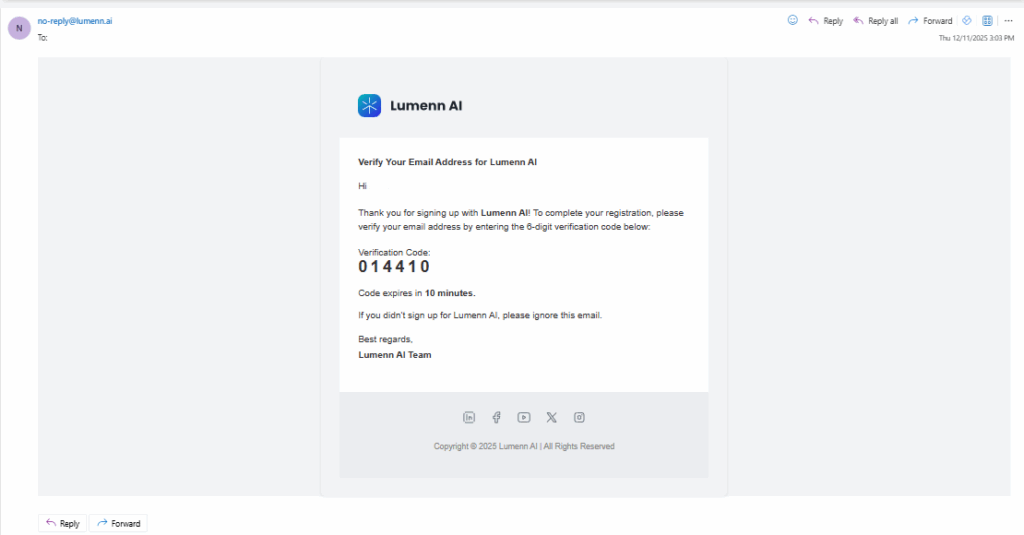
- After signing up, you will receive a 6-digit verification code.
- Open the email and copy the verification code.
- Return to Lumenn AI and enter the code in the verification field.
- Click Verify Account.
- Once verified, you will be redirected to the Login page.
If you do not receive the code:
- Check your Spam/Junk folder.
- Click Resend Code to generate a new verification email.