Before You Begin
Make sure the following prerequisites are met:
- At least one data source is connected to your Workspace.
- A Data Dictionary is uploaded, so DQ can generate contextual rules.
Guide to Using Data Quality
- Log in to app.lumenn.ai.
- Select the Workspace that contains the target data source.
- From the left navigation, click Data Sources.
- Select the connected data source you want to analyze.
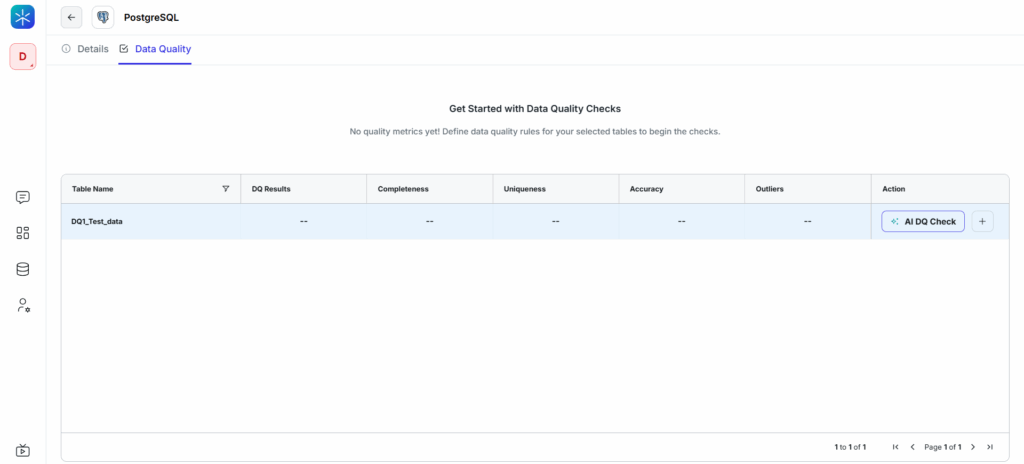
- Click the Data Quality tab at the top.
You will now see a list of all tables available for Data Quality evaluation.